
Updated templates, Follow me feature added in Homework, and much more
Working with columns
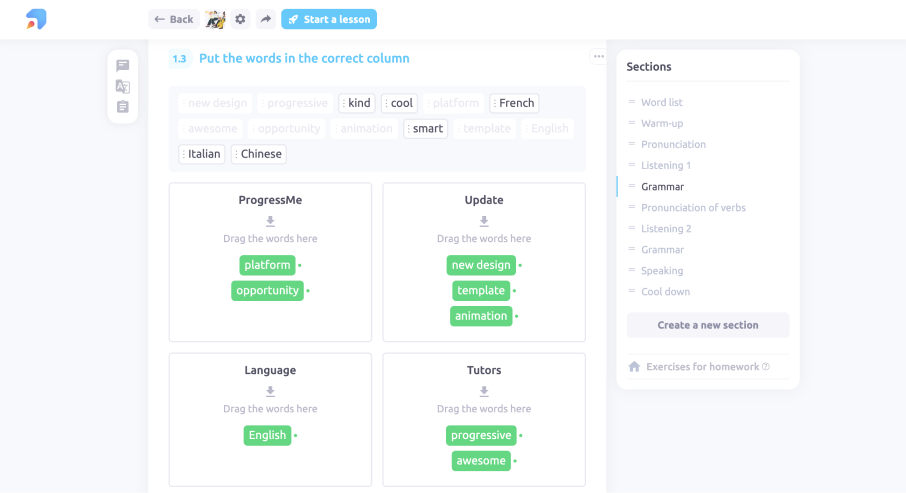
Create as many columns as you want when you use the "Sort by columns" template.
Dragging sentences
Now you can drag and drop blocks in the "Put the text in order" template.
One by one
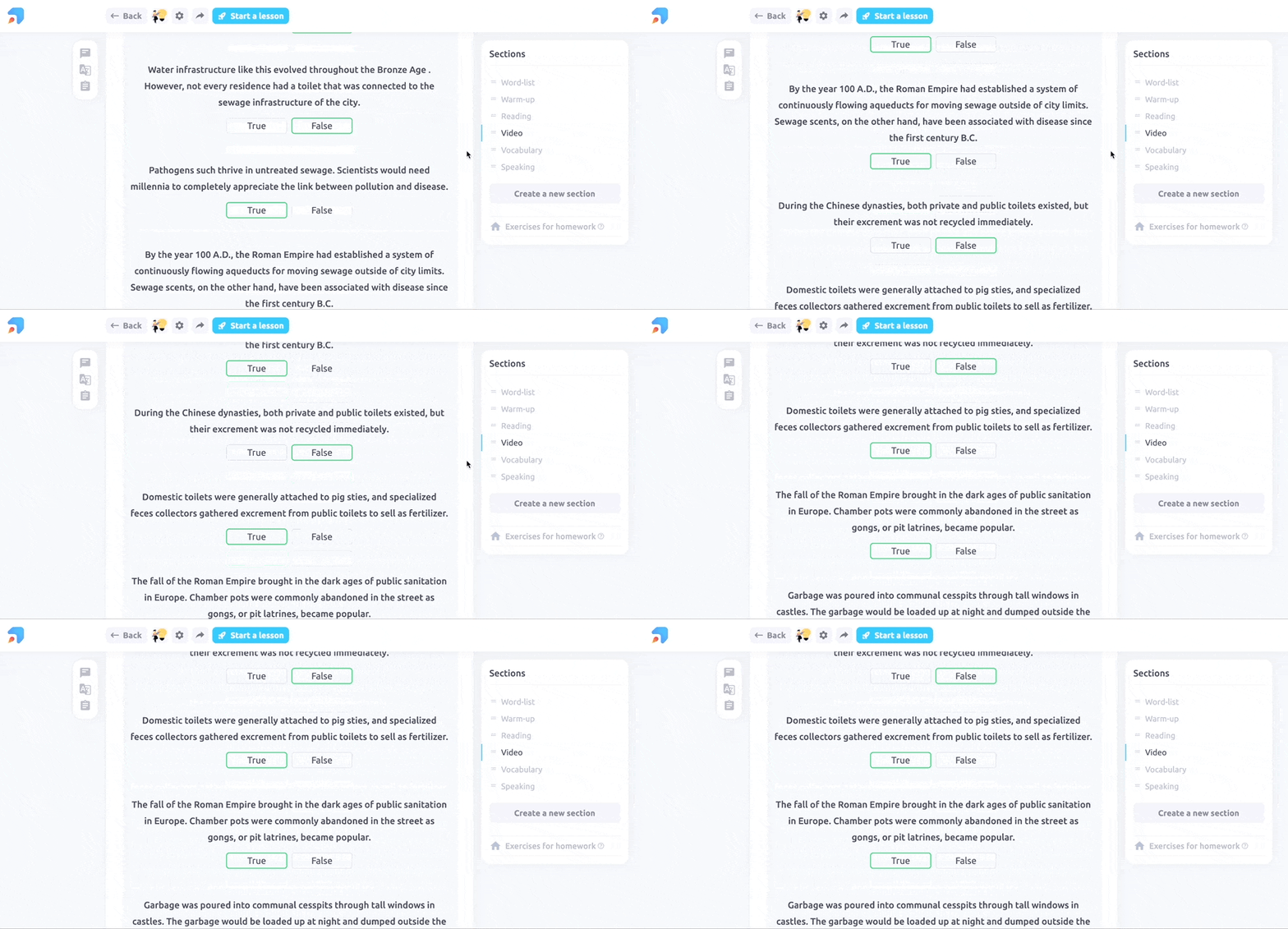
In the “Word ordering”, “True or false”, and “Unscramble” templates, you don't need to scroll right or left to see each block anymore. We put them one below another, so you will see them right away.
"Article" and "Writing”
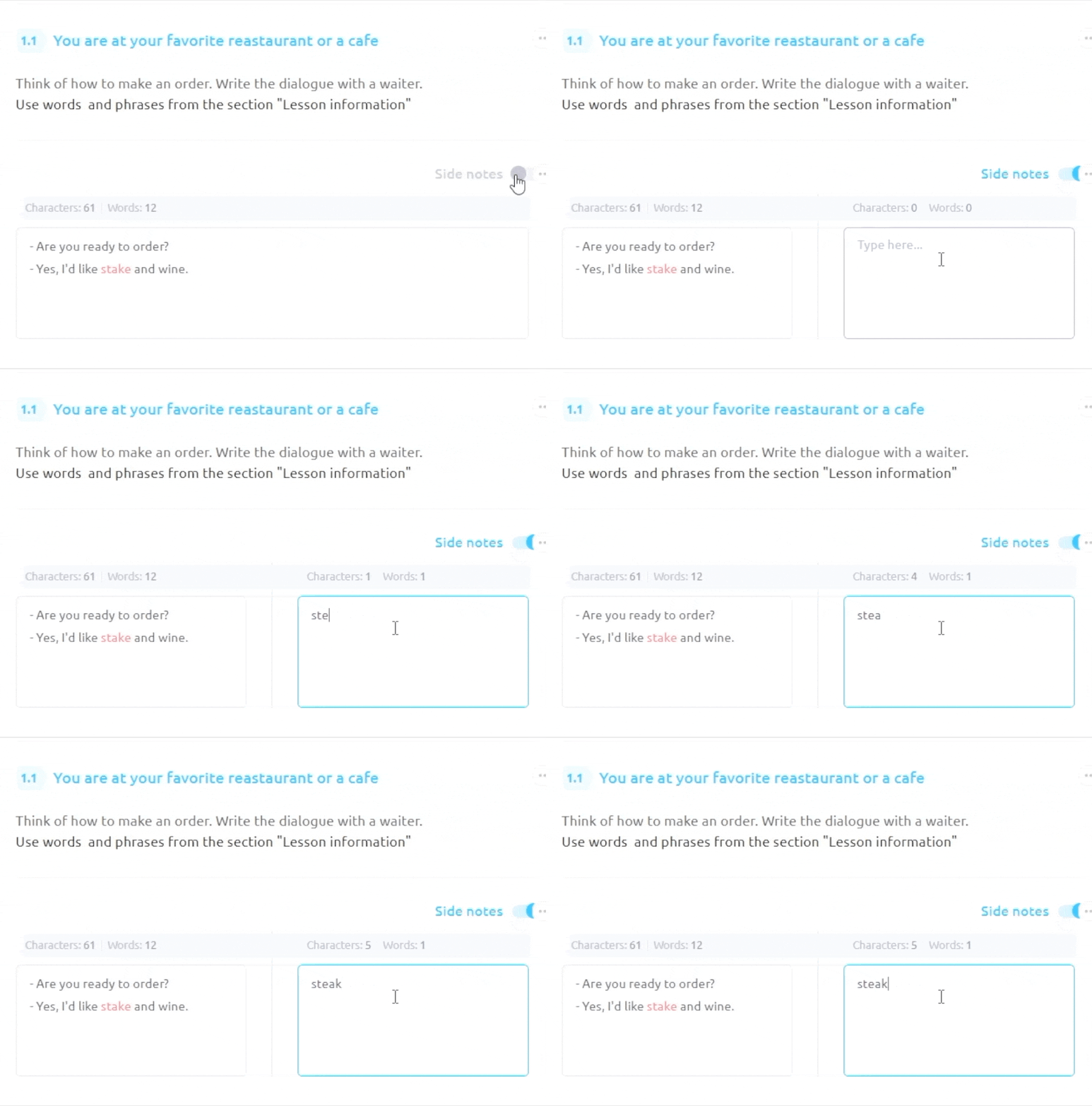
In “Article” and “Writing” templates, the "Translation" switch has been replaced with "Side notes" to make the second field more functional.
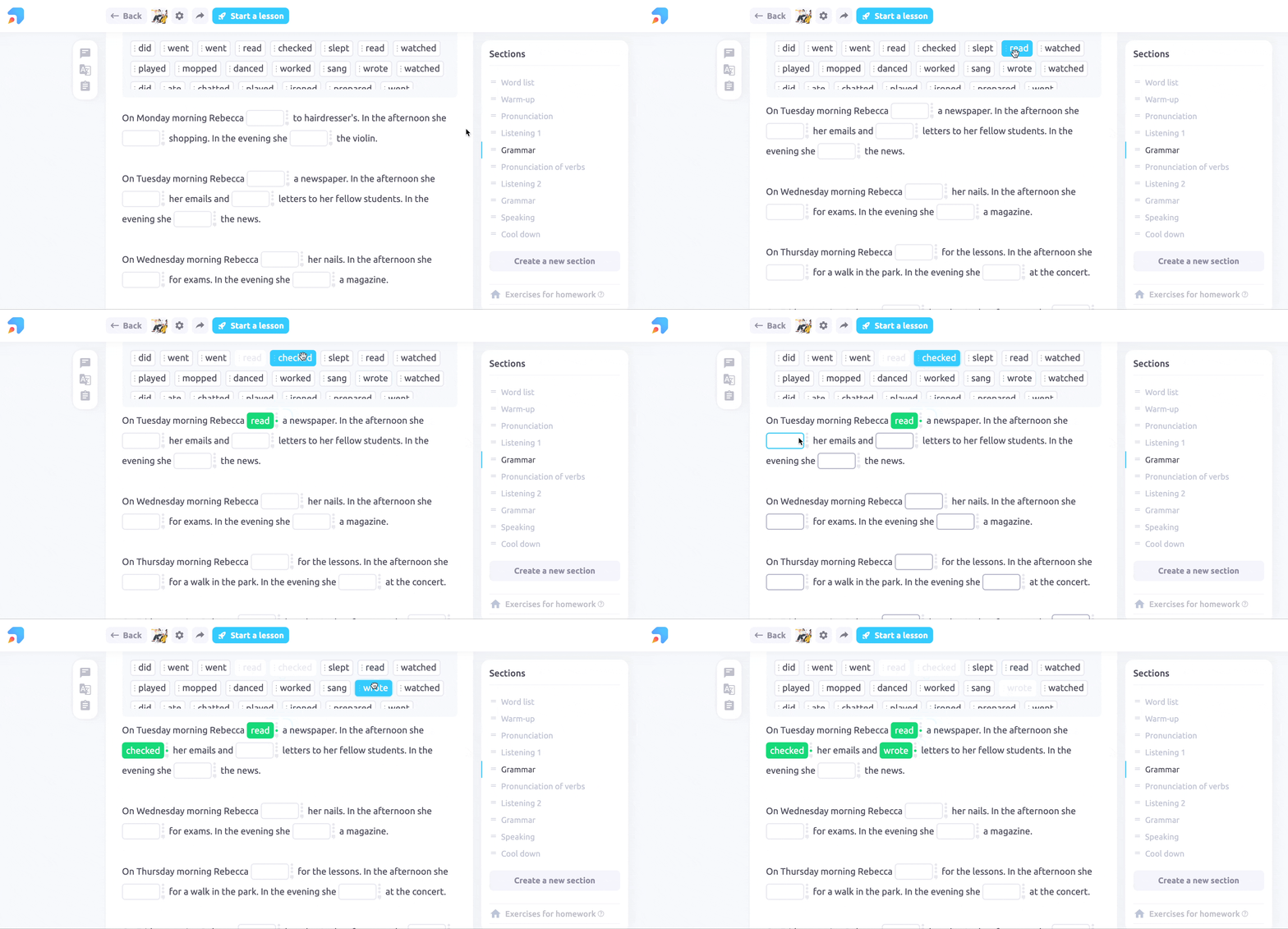
Word boxes
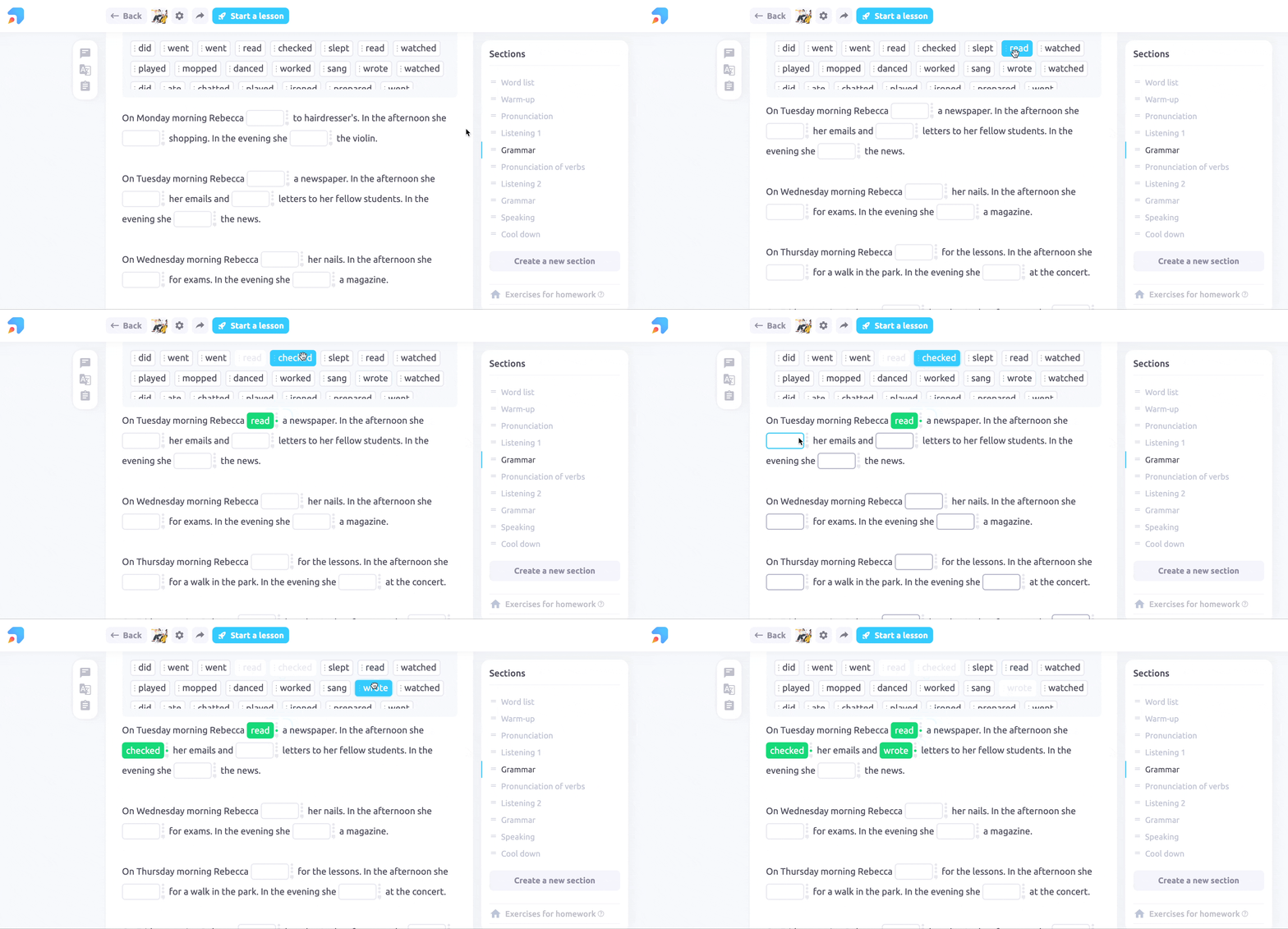
In the “Fill in the gaps from the box”, “Match words and pictures”, and “Sort by column” templates, word boxes will go with you when you scroll. And now you can also fill in the gaps by clicking, not only dragging.
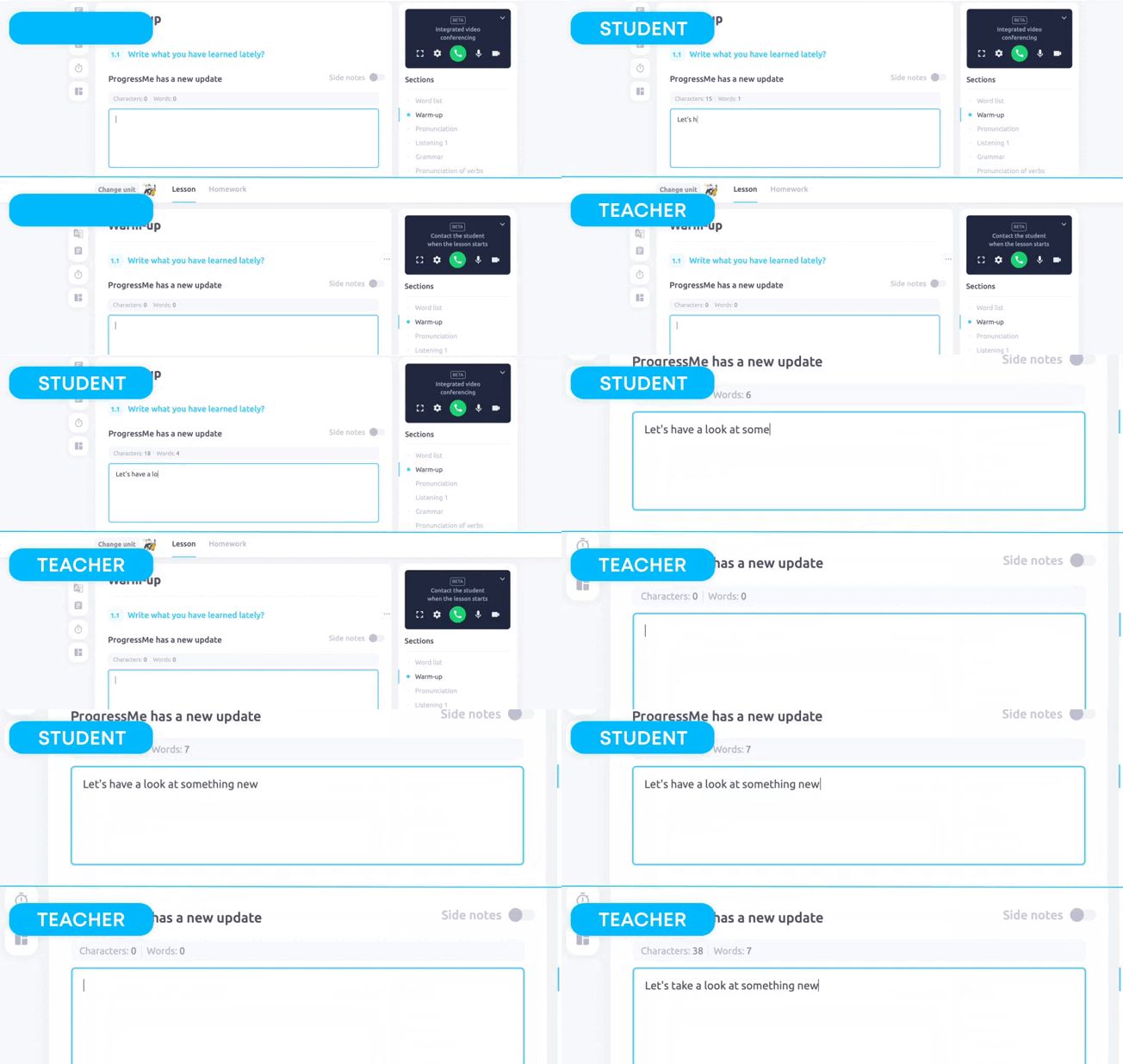
Auto-save
In the “Article” and “Writing” templates, you don't need to click the "Save" button anymore. The data will be saved automatically.
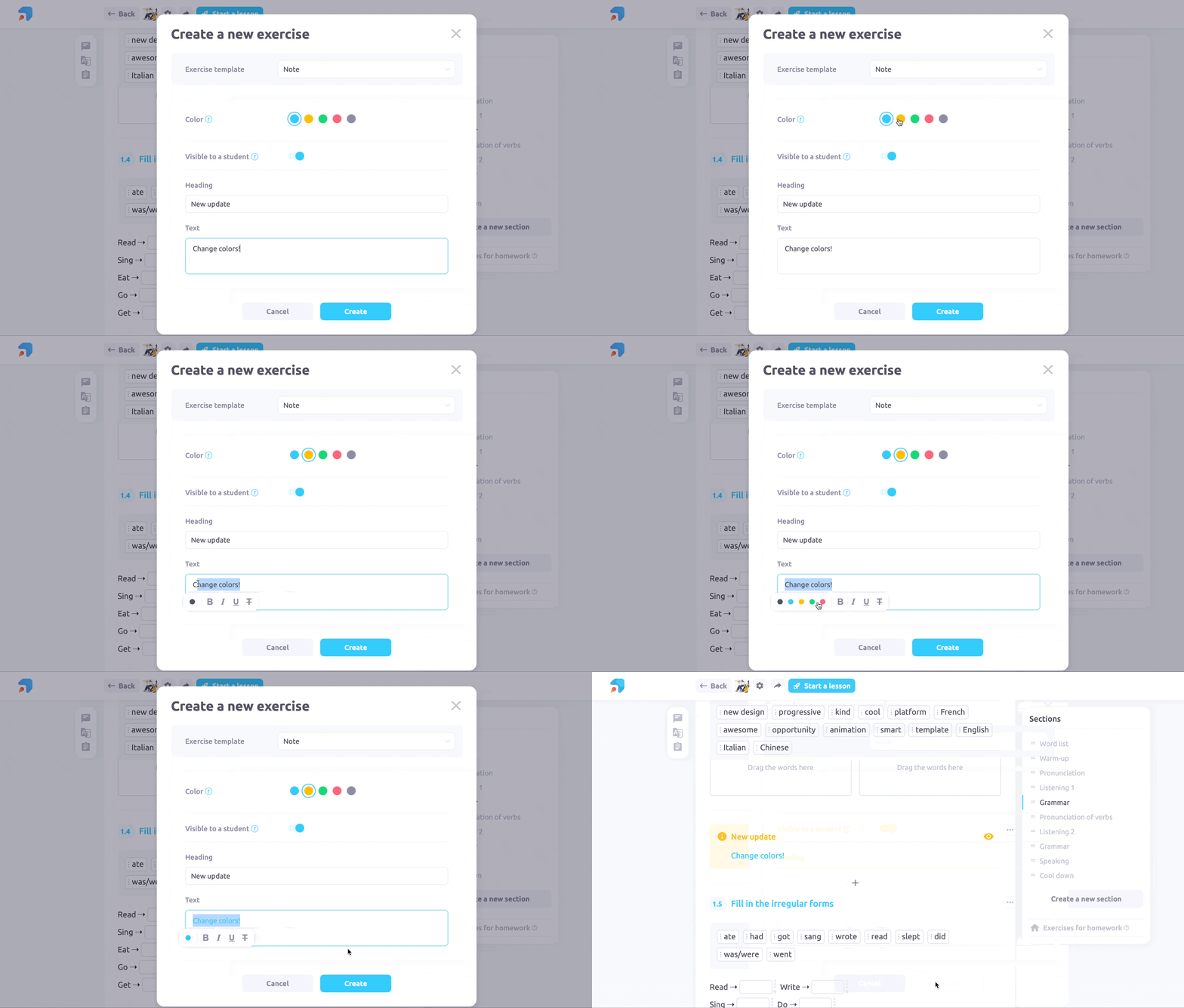
Note
In the “Note” template, you can now choose background color for notes and change the titles.
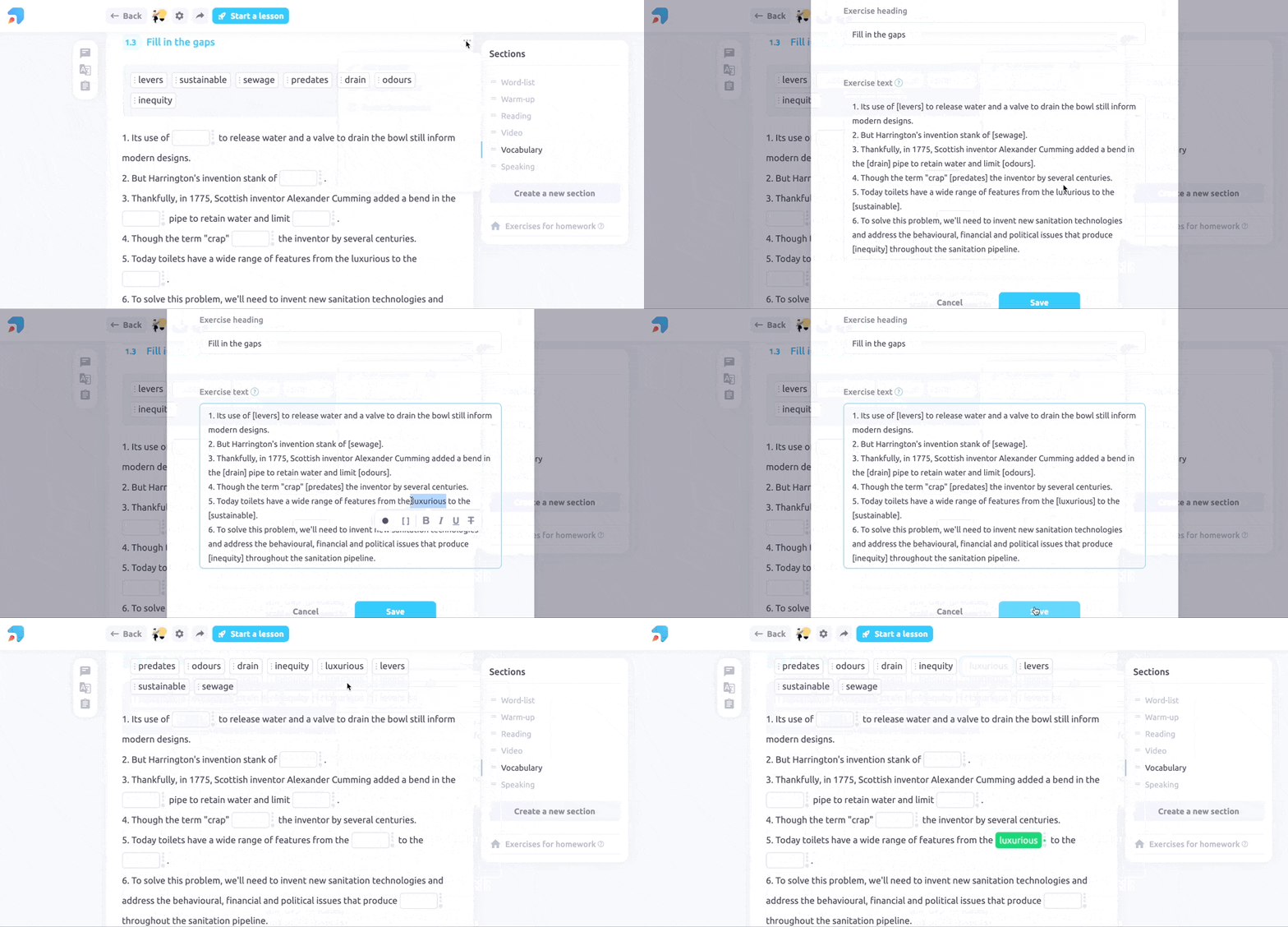
Brackets
Putting words in brackets got much easier.
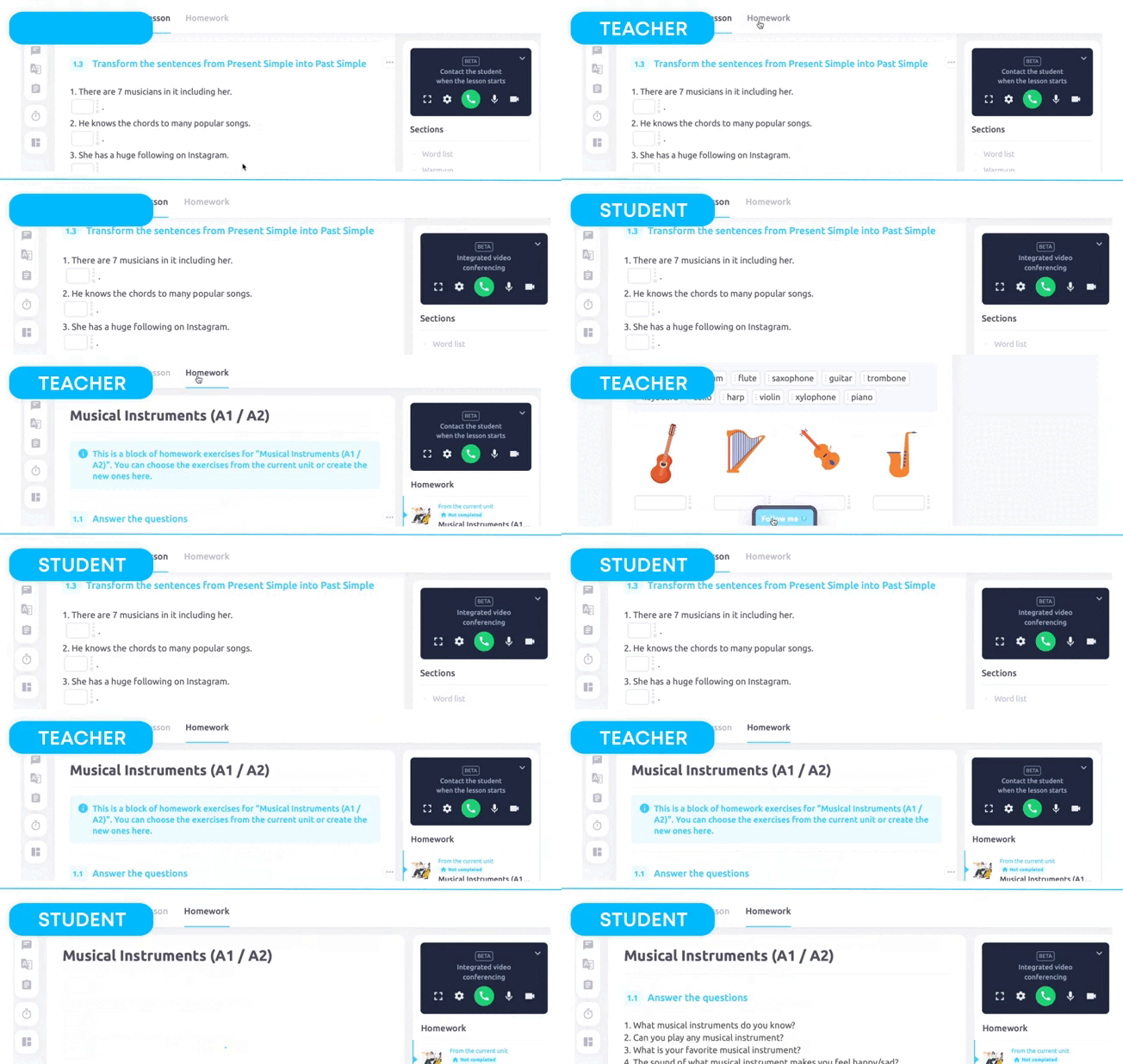
Follow me
Now you can use the "Follow me" feature in homework sections and bring your students there.
Overall we made our platform smoother, responses faster, and mobile device operation better so that students will feel comfortable all across the board.